- Put order, book and menu on the first screen.
- Use a real HTML menu, not a PDF, and keep it current.
- Design mobile-first: most diners find you on their phone.
People visiting a restaurant website are usually hungry and in a hurry. They want to see the menu, check where you are and when you're open, then book a table or order. Every extra second is a chance for them to pick somewhere else, and the restaurant down the road is only one tap away.
Here's how to design a restaurant website that turns those visits into bookings and orders.
Know what visitors are trying to do
Almost every restaurant visitor is trying to do one of five things:
- see the menu and prices
- find the address, directions or parking
- check opening hours
- book a table
- order for delivery or pickup
Your website should make each of these possible in one or two taps. Everything else, like your story, events and gallery, is secondary.
Put the key actions at the top
Your first screen should show:
- an appetising photo of your food or space
- one line about what makes you different ("Wood-fired Neapolitan pizza in Old Town")
- buttons for Order online, Book a table and View menu
- today's opening hours
On mobile, consider a sticky bar at the bottom of the screen with "Call", "Directions" and "Order", so these actions are always one tap away.
Make the menu fast and readable
A PDF menu is hard to read on a phone, slow to load and invisible to search engines. Use a real web page instead:
- clear categories (starters, mains, desserts, drinks) with jump links
- prices next to every item
- short, mouth-watering descriptions
- dietary labels (vegetarian, vegan, gluten-free, spicy)
- photos for your best sellers
Keep the menu current. Few things frustrate diners more than ordering a dish that's no longer available or finding prices that changed months ago.
Show location and hours everywhere
Put your address, a map link, opening hours and phone number in the footer of every page. On mobile, make the phone number tap-to-call and the address open directly in the maps app. Mention holiday hours and closures clearly, and update them before the holiday, not after.
Design for mobile first
Around 60% of web traffic now comes from phones (Statcounter, October 2026), and for restaurants the share is often higher because people search on the go. Design the mobile version first:
- large tap targets and readable text without zooming
- compressed images so pages load quickly on mobile data
- no pop-ups that cover the menu
- booking and ordering flows that work smoothly on small screens
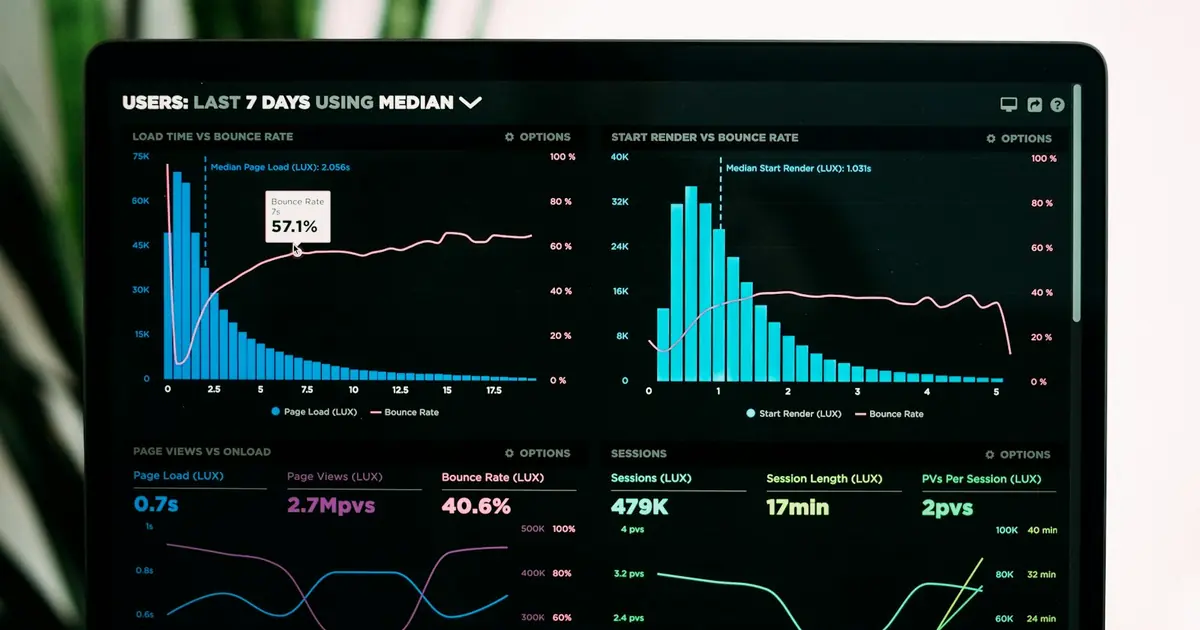
Speed matters: Google's research found that the probability of a visitor bouncing rises by 32% as load time grows from one to three seconds.
Use photos that sell
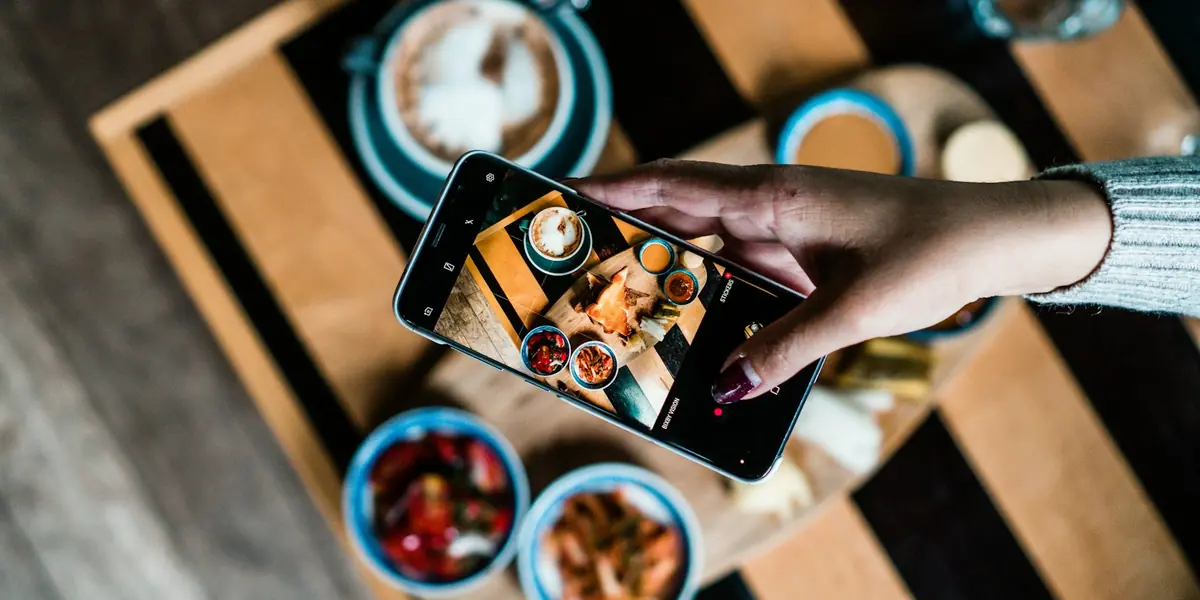
Good food photography does more than any headline. Use real, well-lit photos of your dishes and space, not stock images that diners can spot instantly. Keep a consistent style so the site feels like your restaurant, and show people enjoying the space to convey atmosphere.
Build trust with reviews and story
Show a few real reviews with names and link to your review profiles. Mention awards, press coverage or how long you've been open. A short story about the chef or the family behind the restaurant helps people choose you over a chain.
Help Google and maps find you
- Use your restaurant name, cuisine and area in page titles and headings.
- Keep your name, address and phone number exactly the same on your website and your Google Business Profile.
- Add structured data for your restaurant (address, hours, menu link, cuisine).
- Create a separate page for each location if you have more than one.
- Ask happy guests for reviews; recent reviews influence local search visibility.
Checklist
- Order, book and menu buttons on the first screen
- HTML menu with prices, dietary labels and photos
- Address, hours and tap-to-call phone on every page
- Fast, mobile-first layout with compressed images
- Real photos, reviews and a short story
- Consistent details on your website and Google Business Profile
Frequently asked questions
Should a restaurant use its own ordering system or a delivery app?
Many restaurants use both: delivery apps for reach, and direct online ordering on their website to avoid commission on repeat customers. Make the direct option prominent on your site.
How often should a restaurant website be updated?
Update the menu and hours whenever they change, and review photos and events at least once a season.