- AI builders are great for drafts; launch-ready sites still need a human finishing pass.
- Fix copy, consistency, speed, SEO structure and accessibility before launch.
- If the code is hard to maintain or crawl, rebuild on a platform your team can manage.
AI website builders like Lovable, Bolt, v0 and Framer AI can create a decent-looking site in minutes. That's a genuine step forward: you can test an idea, show investors or start collecting sign-ups the same day. But a first draft is not a finished website. Reviews of AI-generated sites keep finding the same problems: generic copy, inconsistent visuals, weak SEO fundamentals, accessibility issues, broken forms and slow pages.
Before you launch, check these ten things.
1. Generic copy
AI tends to write vague, polished-sounding text: "Empowering innovation for the future." It reads smoothly and says nothing. Replace it with specifics: who you help, what result they get, real numbers, real examples and your own voice. Read every sentence aloud and ask, "Could this be on a competitor's site?" If yes, rewrite it.
2. Inconsistent design
Look for different button styles, random colours, mixed fonts and uneven spacing between sections. Pick one accent colour, two fonts at most, one button style and a spacing scale, then apply them everywhere. Consistency is what makes a site feel professional, even if it's simple.

3. Stock or invented images
Swap generic or AI-generated images for real photos of your work, team and product, or for honest, high-quality stock photos with a proper licence. Visitors are getting good at spotting generated images, and real visuals build far more trust.
4. Heavy pages
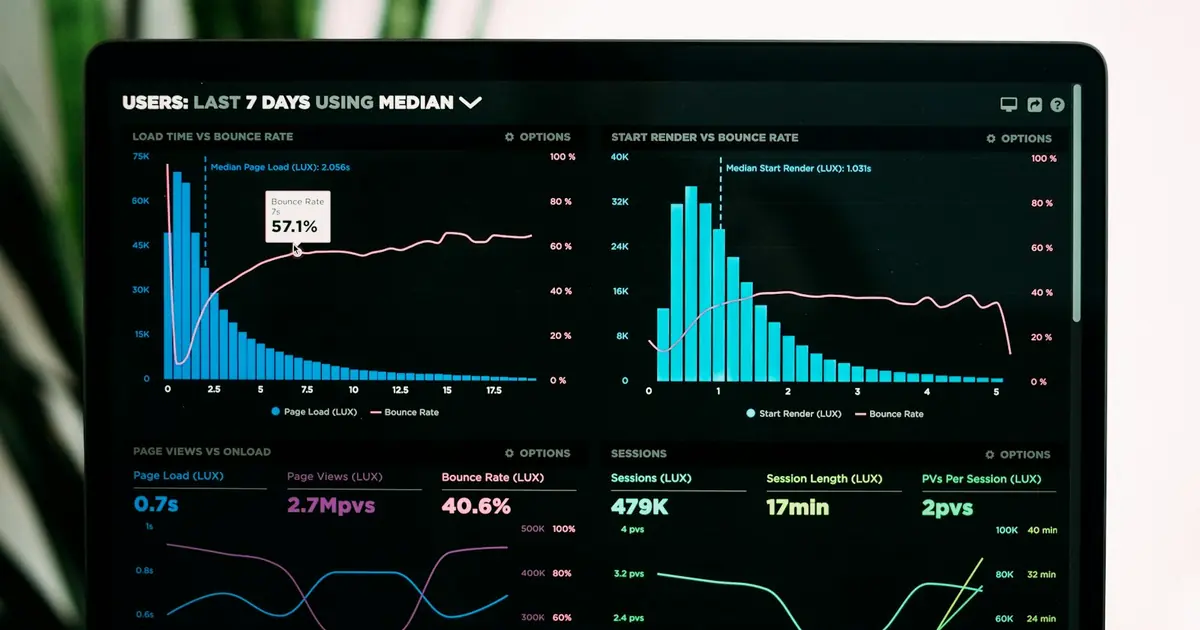
Compress images (WebP at around 75–80% quality), remove unused scripts and libraries, and limit heavy animations. Google's Core Web Vitals give clear targets: show the main content within 2.5 seconds, respond to interactions within 200 milliseconds and avoid layout shifts above 0.1. Test on a phone with mobile data, not only on fast Wi-Fi.
5. Broken mobile layouts
Around 60% of web traffic comes from phones. Check every page on a real phone. Watch for text that's too small, buttons too close together, horizontal scrolling and sections that overflow the screen.
6. SEO that search engines can't read
Many AI app builders generate single-page apps that render content in the browser with JavaScript. That can make pages slower to appear and harder for search engines and AI crawlers to read. Check that your important pages are served as real HTML (static or server-rendered), and that each page has:
- a unique title and meta description
- one clear H1 and a logical heading structure
- descriptive image alt text
- a share image for social media
- a sitemap submitted to Google Search Console
7. Accessibility gaps
When WebAIM tested one million home pages in February 2026, automated checks found accessibility failures on 95.9% of them, and AI tools can repeat the same mistakes at scale. Check colour contrast, keyboard navigation, visible focus states, form labels and alt text. Accessible sites are easier for everyone to use.
8. Fake or placeholder content
Remove sample testimonials, lorem ipsum, demo logos and made-up statistics. Visitors and search engines notice, and invented claims can damage trust permanently once someone checks them.
9. Forms, links and security basics
Test every form end to end: does the message actually arrive, and does the user see a confirmation? Click every link. Make sure the site uses HTTPS, that no API keys or secrets are exposed in the code, and that third-party scripts are ones you actually need.
10. Hard to edit later
Some AI builders produce code that's hard to maintain without prompting the AI again. If your team needs to update content often, move the site to a platform they can manage, such as WordPress, Webflow or Framer, or keep a clean static build with a simple editing workflow.
A launch-day checklist
- Real, specific copy on every page
- One consistent design system
- Real photos and visuals
- Compressed images and fast pages on mobile
- Crawlable HTML, titles, descriptions and sitemap
- Accessibility basics checked
- No placeholder content or invented numbers
- Forms and links tested, HTTPS on
- One clear call to action per page
- A platform your team can edit
Summary
Use AI for speed, then finish the job properly: real content, consistent design, fast pages, readable structure for search engines and basic accessibility. If you'd like help turning an AI-built site into a professional one, that's one of our services.
Frequently asked questions
Is it bad for SEO to build a website with AI?
Not by itself. The risk is in the output: client-side rendering, missing metadata and thin, generic content. Fix those and an AI-started site can rank like any other.
Do I need to rebuild my AI website from scratch?
Usually not. Keep the structure and ideas that work, then fix design, copy, speed and SEO. A rebuild makes sense when the code is hard to maintain or to crawl.
Sources
- The ultimate guide to editing AI-generated websites (TechRadar)
- Why many AI-built sites are client-side rendered SPAs (Advisor Evolved)
- WebAIM Million 2026 findings, reported by GreenGeeks
- Core Web Vitals thresholds explained (corewebvitals.io)
- Mobile share of web traffic, Statcounter via Searchlab (Oct 2026)